DEMAND & FORECAST
Demand Planning
Plan for what the business will actually need.Combine confirmed sales orders and stock targets into a demand view that drives the production plan.
Versioned BOMs and routings, plans that become schedules and orders, material backflushed by batch, output confirmed on the floor, then costed and received into stock.

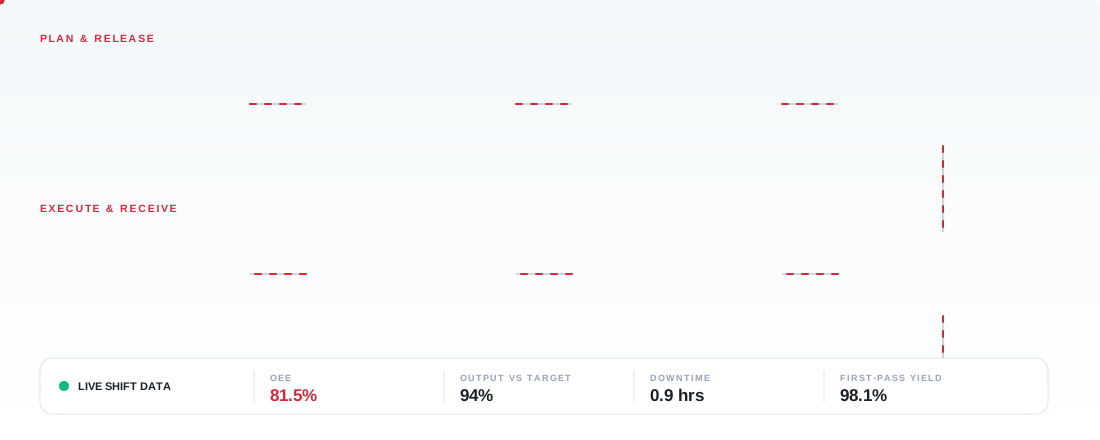
Connect demand, scheduling, line execution, output and stock in one continuous workflow.
Forecast demand from sales orders and stock targets
Turn demand into a plan by product, quantity and period
Schedule runs and calculate material needs against stock
Apply versioned BOMs and routings to every order
Release orders to work centers and lines
Stage material and backflush consumption by batch
Confirm output on the floor as each batch completes
Cost the batch and receive it into finished stock
From demand planning to shop-floor confirmation, every step shares the same data, so planners, supervisors and finance see the same numbers.
Combine confirmed sales orders and stock targets into a demand view that drives the production plan.
Set what to produce, how much and by when, then convert the plan into schedules and production orders.
Schedule runs against capacity and calculate material requirements so shortages show up before the line stops.
Maintain versioned bills of materials and routings, so every order uses the right structure and operations.
Operators confirm output, scrap and time on the floor, with material backflushed by batch against the order.
Define work centers and lines, track downtime and OEE, and compare planned capacity with real output.
Everything in Production is organised into four clear areas, from planning to reporting.
Live output, line status and shift KPIs
Create, release and track every order
Confirm output, scrap and time per batch
Plan quantities by product and period
Schedule runs and calculate material needs
Build demand from orders and stock targets
Versioned bills of materials and routings
Define capacity, lines and work centers
Numbering, backflush and costing rules
Output, yield, downtime and cost reports
Track output, line status and efficiency for the current shift from one connected workspace.
| LINE | PRODUCT & SKU | LOCATION | PROGRESS | OUTPUT | STATUS | OEE |
|---|---|---|---|---|---|---|
| LN-A | Executive Office DeskDSK-980 | Assembly Line A | 68% | 41 / 60 Units | Running | 86% |
| LN-B | Ergonomic Mesh ChairCHR-410 | Fabrication Line B | 54% | 65 / 120 Units | Running | 79% |
| LN-C | Steel Storage CabinetCAB-204 | Press Line C | 18% | 6 / 30 Units | Changeover | 61% |
| LN-D | Acoustic Wall PanelPNL-330 | Finishing Line D | 100% | 150 / 150 Units | Completed | 92% |
Availability, performance and quality combine into one OEE score per line, per shift.
Every unit counted on the line is verified, costed and received into inventory without re-entry.
Components are staged at the line against the production order.
Consumption posts automatically as each batch is confirmed.
Good, rework and scrap quantities are confirmed on the shop floor.
Material, labour and machine time flow to the batch cost.
Finished goods are received into the warehouse ledger.
A live board shows which batches are waiting, running, paused for downtime, or closed into stock.
Separate good output, rework and scrap so losses are visible, explained and reduced over time.
Units that passed inspection and move directly into finished goods stock.
56 UnitsUnits returned to the line for refinishing, re-fastening or adjustment.
3 UnitsUnits written off with a reason code, with material cost posted to variance.
1 UnitConnect the floor with planning, purchasing, inventory, people and finance.
Schedule, run, measure and report production with Solex ERP.